For teaching
The lecture, the exam and the answer
from one model
Instructors and TAs redraw the same pulleys and pendulums every term. Build the mechanism once and get the animation for the lecture, the figure for the exam and the numbers for the answer key, and they always agree.
In the lecture hall Pro
Presenter mode
The scene full screen with large controls. Labels, forces and dimensions appear step by step, in the order you set, so the derivation builds up as you speak.
- Play, pause and scrub the run in front of the class
- Change a number live and let students predict what happens
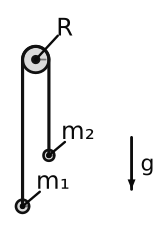
Statics Pro
Free-body diagrams and member forces
Click a body to draw it alone with every force on it: weight, contacts, cables, pins and springs, labelled. In a truss, every member is coloured by its force, tension or compression, with its value.
Assessment Pro
Exam variants with answer keys
Choose the parameters to vary, a mass, a spring, an angle. Every variant is simulated for its answer, and you get a LaTeX exam with the figures, the solutions and an answer key: a different version for every student.
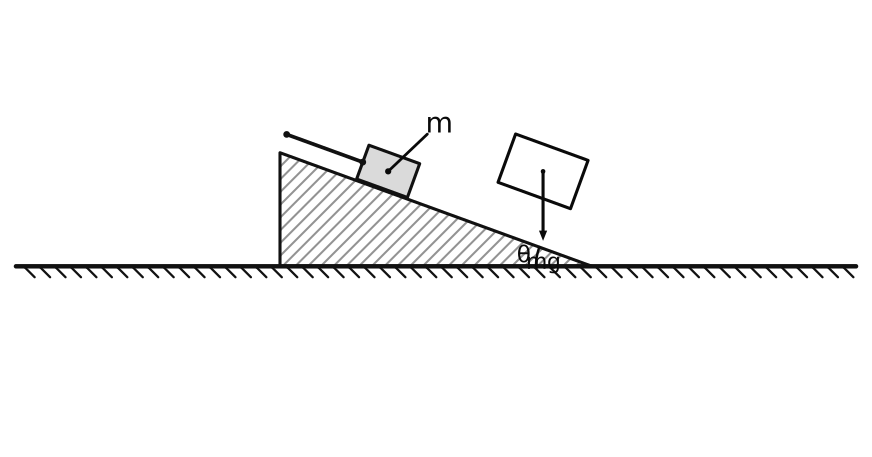
For students
Free, in the browser
Students need no account and nothing to install. The Free plan lets them open your scenes, run them and change the numbers at home. Graphs, figures and exports are Pro, or part of the course plan.
For a course
One licence for everyone
The course plan gives Pro to a whole course or department, with a shared template library, paid by invoice. Write to [email protected] to talk about your course.
Start from a classic problem
Over 60 are built in: open one, press Space, change a number.